ANIMAL PAGE
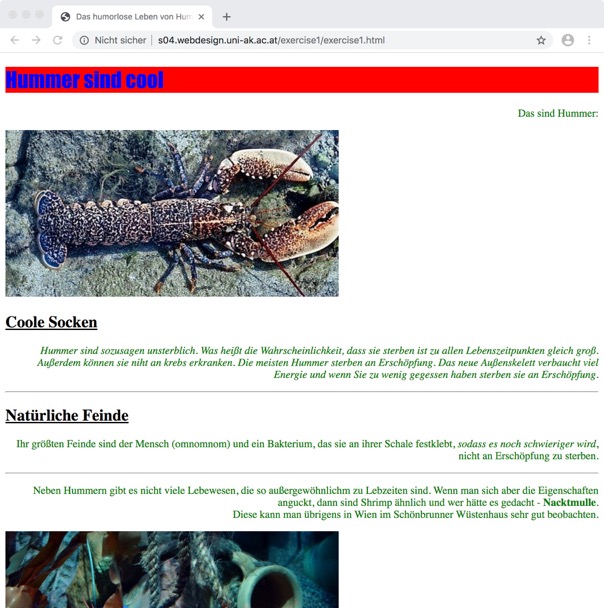
Got a first glimpse into the world of html&css coding. Playful start into the very basics. Has been quite exciting because I never dealt with this issue before.
FIRST STEPS / HTML / CSS
Got a first glimpse into the world of html&css coding. Playful start into the very basics. Has been quite exciting because I never dealt with this issue before.
FIRST STEPS / HTML / CSS
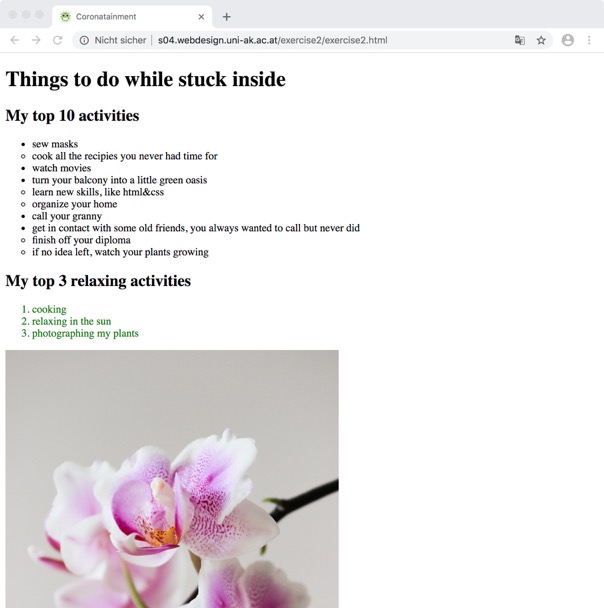
Learnt creating lists and espacially a lot about css selectors. How to select html items correctly for styling them? Got a bit confused, but practicing helps.
LINKS / LISTS / CSS SELECTORS
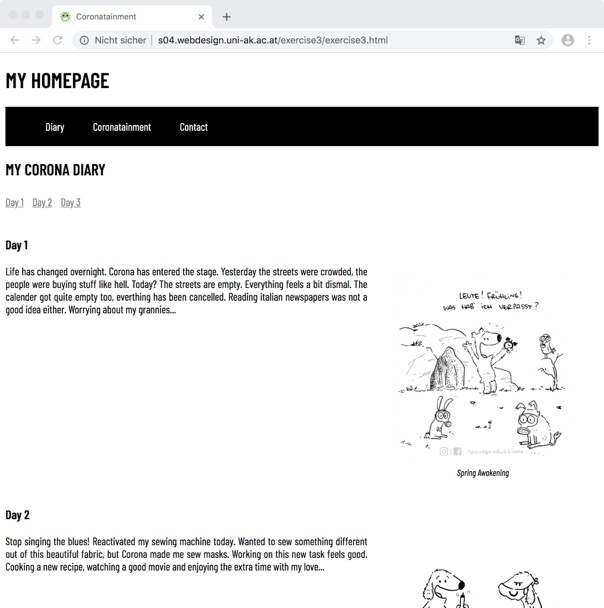
It starts to look like a website - yeah! Learnt how simple text can be turned into layout and how this is all working. Creating a menubar and float layout was a bit tricky first.
BOX MODEL / FONT / FLOAT LAYOUT
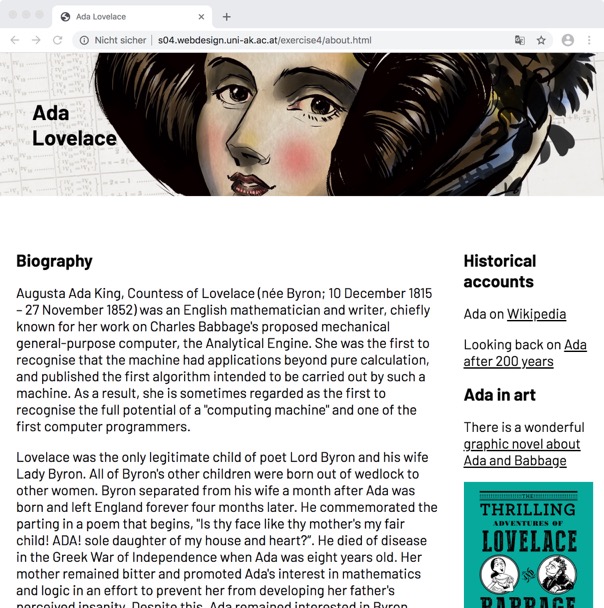
Practicing float layout and adding some new stuff. Learnt how to set some items fixed and how flexbox model is working. Exercise showed how all could work together.
FLOAT LAYOUT / FLEX BOX / POSITIONING
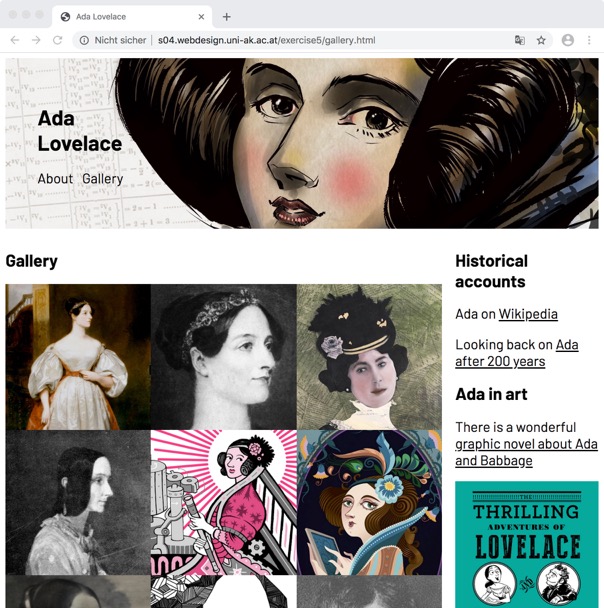
Today another layout possibility entered the stage - grid layout. Learnt how a page can adopt to differnt screen sizes as well. Bit confusing first, but 2 great tools.
GRID LAYOUT / RESPONSIVE SITE
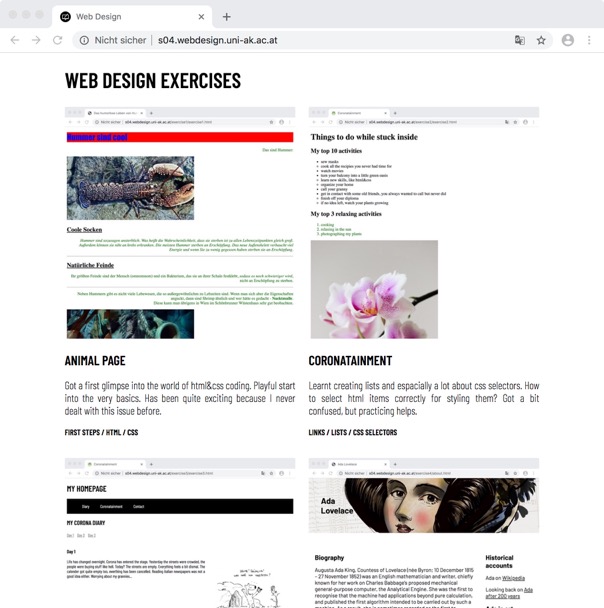
We are going online! But far more challenging is this last page. Remembering all topics and especially applying it. What is the best tool to use for my ideas?
GOING ONLINE / PRACTICING